

Published on: May 5, 2025 Updated 2 times since publishing
Only 3 Steps (Quick + Easy) to Protect Your Digital Footprint in 2026:
- Use a trusted VPN on all your devices. Download and install a reliable VPN like ExpressVPN to encrypt your internet traffic and hide your real IP address. This keeps your online activity private from hackers, trackers, and even your ISP.
- Lock down your accounts. Enable two-factor authentication (2FA) on all major accounts (email, banking, social media), and use a password manager to generate and store strong, unique passwords. This keeps your accounts safe even if your data leaks online.
- Clean up your online presence. Google yourself, review old posts on social media, and delete accounts you no longer use. Adjust your privacy settings to control what others can see and limit the data apps collect about you.
A digital footprint is the trail of data you leave behind every time you go online — like websites you visit, things you post, or forms you fill out. It includes both what you actively share and what’s collected in the background, such as your location or browsing habits.
This information doesn’t just sit there. Employers, companies, and government agencies can all access parts of your digital footprint to assess who you are. Old social media posts, forum comments, or online activity you’ve forgotten about can affect job applications, damage your reputation, or raise red flags.
The good news? You can take control — simple steps like cleaning up your accounts or using a premium VPN service can help protect your privacy moving forward. My favorite VPN is ExpressVPN as it comes with industry-leading privacy and security features. Editor's Note: ExpressVPN and this site are in the same ownership group.
Types of Digital Footprints

There are 2 main types of digital footprints: active and passive.
- An active digital footprint is the information you knowingly share online. This includes things like posting on social media, commenting on a blog, or filling out a form. Every time you upload a photo, write a review, or share an update, you’re adding to your active footprint.
- A passive digital footprint is created without you directly doing anything. It’s built through background data collected as you browse — like websites tracking your clicks, location, or device. Even just visiting a page can generate data that’s stored and used later.
Importantly, even activities that seem private, like browsing in incognito mode or using private messaging apps, can still leave traces through IP logs, cookies, or metadata. Whether you mean to or not, your actions online often stick around longer than you think.
Why Your Digital Footprint Is Valuable

Your digital footprint is more than just online clutter. It’s a rich source of information that others can use, and sometimes exploit. Here’s how:
- Reputation damage. Old social media posts, comments, or forgotten accounts can resurface and affect how employers, schools, or government agencies perceive you. Even years-old content can be screenshotted, shared, or taken out of context, and hurt your chances during job applications or background checks.

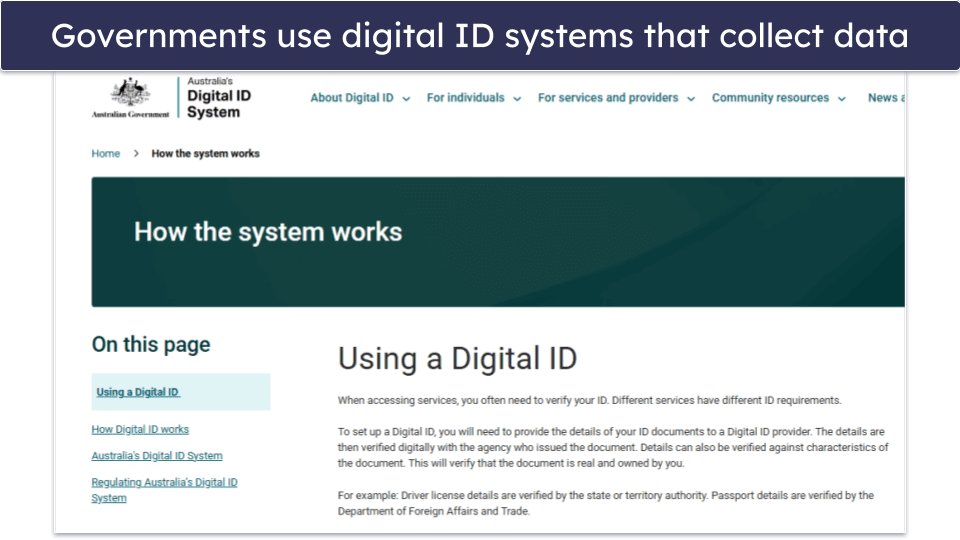
- Government tracking. Governments collect digital data for security monitoring, fraud detection, and identity verification. Many also use digital ID systems for secure access to public services, generating records that link personal information like tax history, healthcare, and education into one online identity.
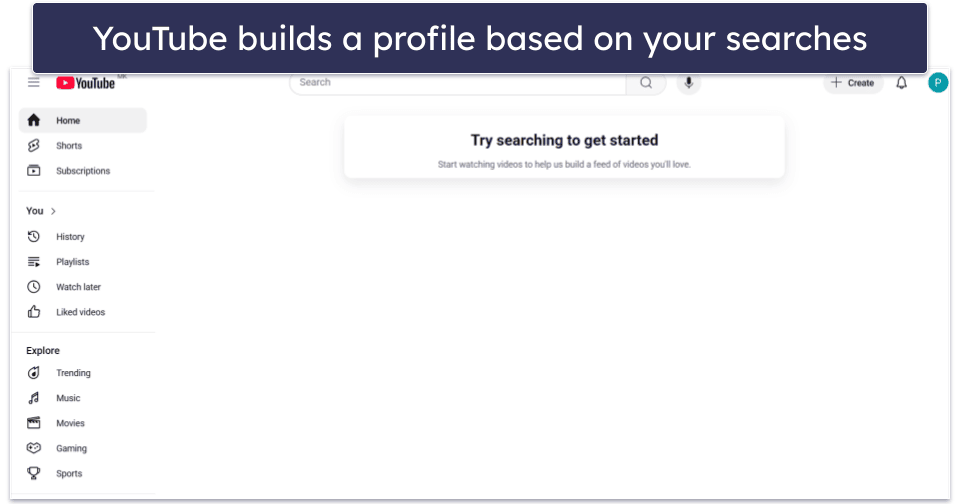
- Targeted advertising. Companies track your online behavior through cookies to build detailed profiles and serve personalized ads. Every click, search, and like helps them predict what you might buy next.
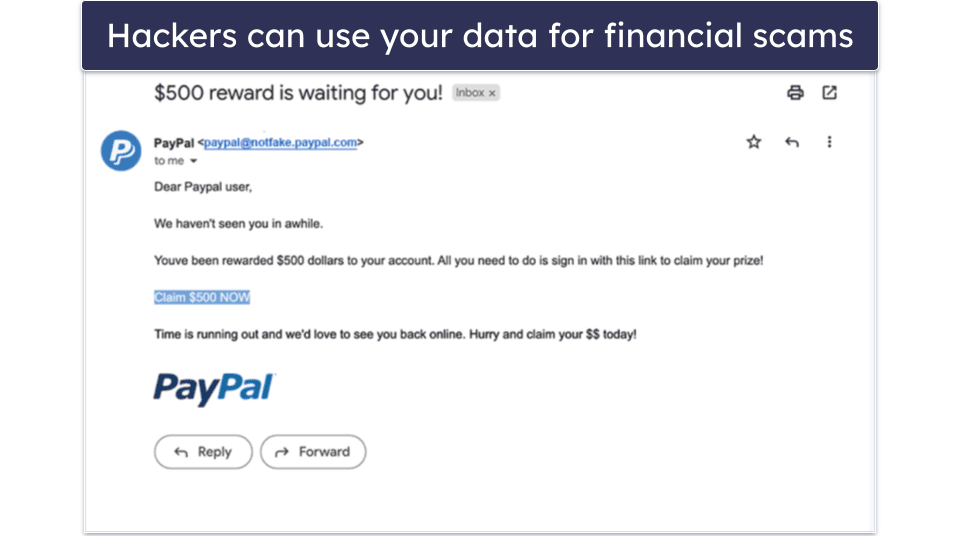
- Phishing campaigns. Hackers can use the same data to craft convincing phishing attacks or steal your identity. Plus, stolen personal data might even end up on the dark web, where it can be sold for opening fraudulent accounts or committing financial fraud.
- Personal privacy risks. The things you thought you shared privately could end up in the public eye, causing awkward situations or even damaging relationships with family and friends.
How to Check Your Digital Footprint
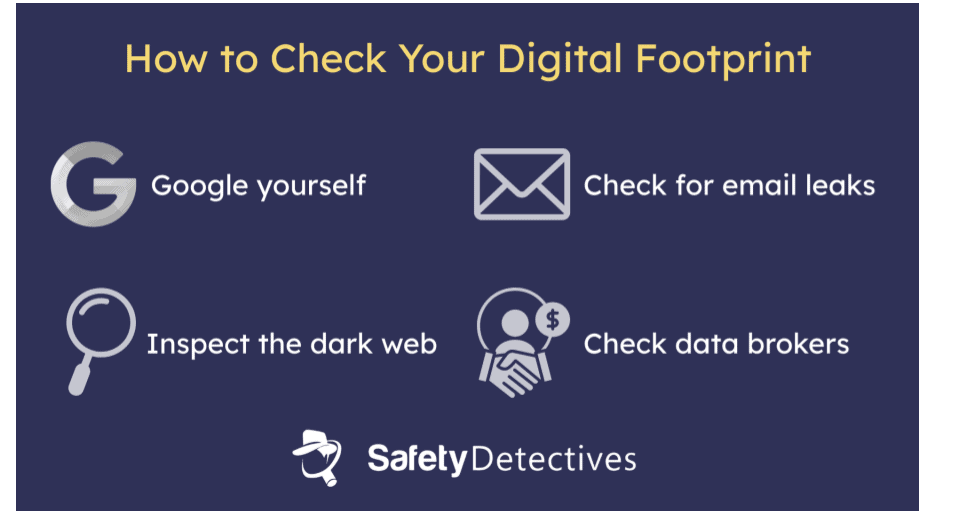
To get a clear picture of your digital trail, here are a few simple steps you can take:
- Google yourself. This might seem like a no-brainer, but it’s one of the easiest ways. Search for your full name in quotation marks on popular search engines to see what information about you pops up. You can also try to reverse search an image of yourself. All this can help you identify old posts, mentions, or photos you might want to remove.
- Check data broker sites. Data brokers or people search sites like Whitepages, Spokeo, or BeenVerified collect and sell personal information. You can search for your name on these platforms and see what they have on you. Then, you can use their opt-out processes to request the removal of your data.
- Check if your email has been leaked. Use free tools like HaveIBeenPwned to see if your email address has been involved in any known data breaches. Some VPNs also offer this feature — ExpressVPN’s Identity Guard (for US users only), Surfshark Alert, and Private Internet Access’s Identity Guard can alert you if your credentials have been exposed.
- Inspect the dark web for your data. Scanning the dark web isn’t easy, and you can hardly do it on your own without specialized browsers. I like NordVPN’s Dark Web Monitoring tool that alerts you if your personal information has been exposed or is being traded. That’s why it’s one of the best VPNs for the dark web.

Pro Tip: Set up a Google Alert for your name to get notified when new content about you appears online. Just go to google.com/alerts, enter your full name in quotes (e.g., “John Doe”), and choose how often you want to receive updates. It’s a simple way to monitor your digital footprint in real time.
10 Ways to Reduce Your Digital Footprint
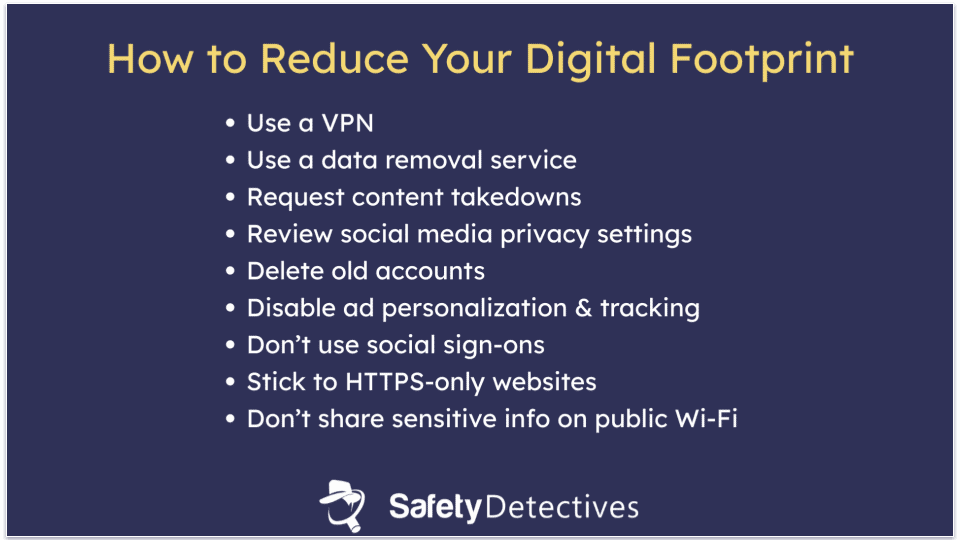
Completely erasing your digital footprint might not be possible, but you can definitely shrink it. These practical steps will help you take control of your online presence and reduce how much data is collected about you.
1. Use a VPN
A VPN (Virtual Private Network) is a tool that helps protect your privacy online. Here’s what it can do to help you reduce your digital footprint or even remove your digital traces:
- Masks your IP address. A VPN hides your real IP address, making it harder for websites and trackers to know who you are or where you are.
- Encrypts your data. A VPN encrypts your online activity, keeping your sensitive information safe from hackers and prying eyes.
- Prevents location tracking. A VPN disguises your location, so websites and services can’t track your movements or serve you region-specific ads.
- Stops profiling. By hiding your online activity, a VPN stops companies from building a profile of your interests or personal habits.
- Safe on public Wi-Fi. Using public Wi-Fi can expose you to data theft. A VPN keeps your connection secure, protecting sensitive information like passwords.
- Scans for leaks. Some VPNs include monitoring tools that can alert you if your personal data, such as your email, has been leaked or is on the dark web.
Quick Summary of the Best VPNs for Reducing Your Digital Footprint


2. Use a Data Removal Service
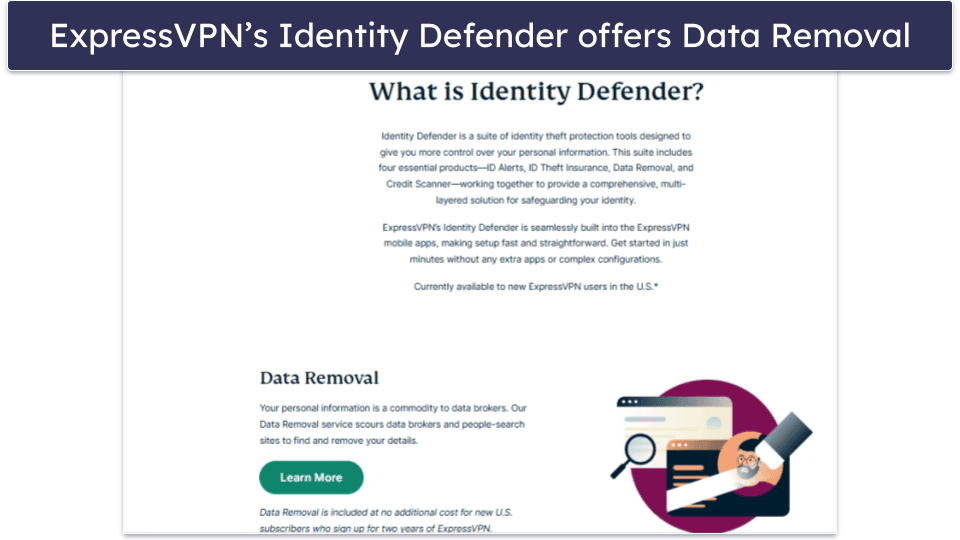
Data removal services identify your personal information on data broker websites and submit opt-out requests to have it taken down. Most also monitor these sites over time and resubmit requests if your data reappears.
These tools save you time by automating a process that’s otherwise repetitive and tedious. Some VPNs have offers that include data removal services.
- ExpressVPN offers Identity Defender (US only), which automatically handles removal requests from data broker sites.
- NordVPN bundles with Incogni, a service that works with a wide range of brokers to remove your information.
- Surfshark includes a data removal tool with its Surfshark One plan, helping you stay off people-search databases.
3. Request Content Takedowns
If personal information about you is online, you have the right to ask for it to be removed. You can contact the website or platform directly — most have processes for removing user-generated content, and they’ll do it for free. For search engines, Google’s Removal Tool lets you request the removal of specific results that include outdated or harmful personal data.
Also, check data broker sites like Spokeo, BeenVerified, WhitePages, PeopleFinder, Intelius, MyLife, etc. These platforms collect and sell your data, often without your knowledge. You can use their opt-out tools to remove your profile, though the process can be tedious.
Pro Tip: Add a distinguishing detail (like a company name) next to your surname when providing payment information, such as John Doe – Amazon. This way, if you receive unwanted promotional messages, you can easily identify the company that sent them. You can then contact both the company and the data broker to request the removal of your data.
4. Review Social Media Privacy Settings
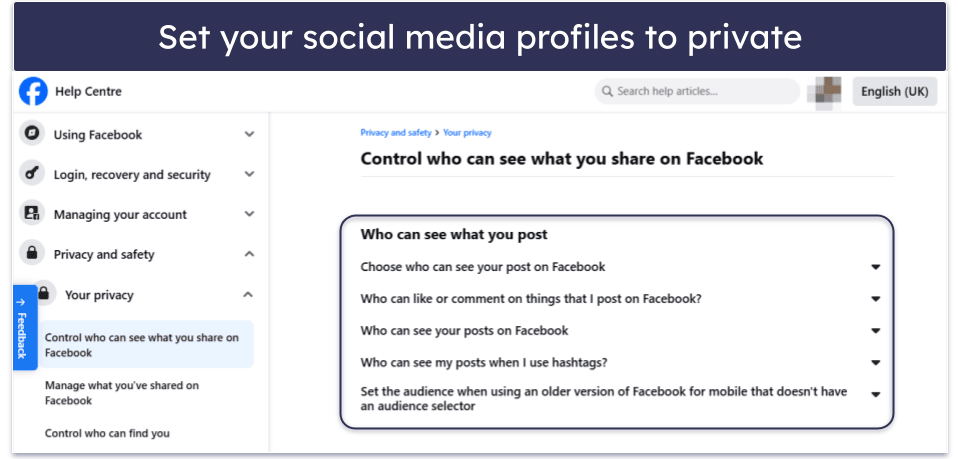
Employers often look at social networks when evaluating candidates, so it’s important to manage what they can see. Make your profiles private where possible, adjust who can view your posts, tags, and comments, and limit the visibility of personal details like your contact info. Moreover, avoid sharing your phone number or email address in your bio.
Once you review all your settings, remove outdated or unwanted content to ensure your online presence reflects the image you want to present.
5. Don’t Use Social Sign-Ons
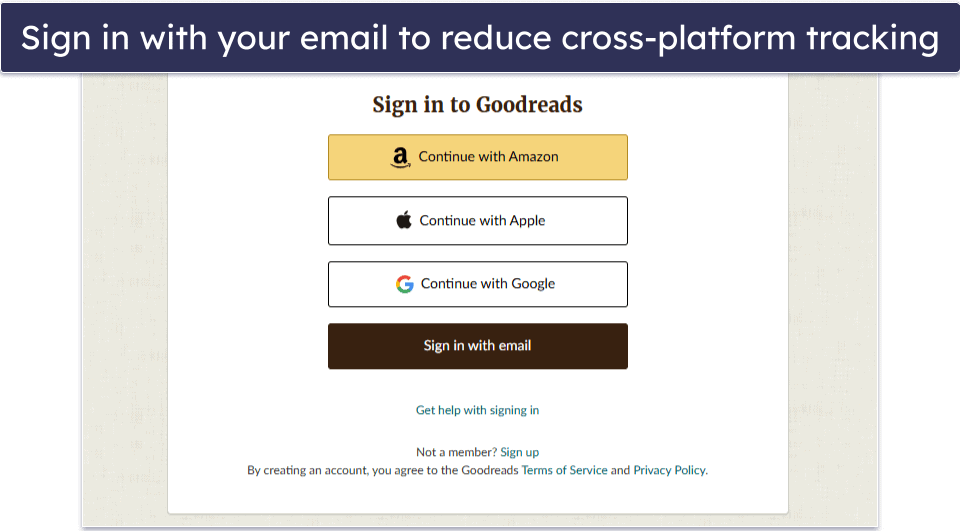
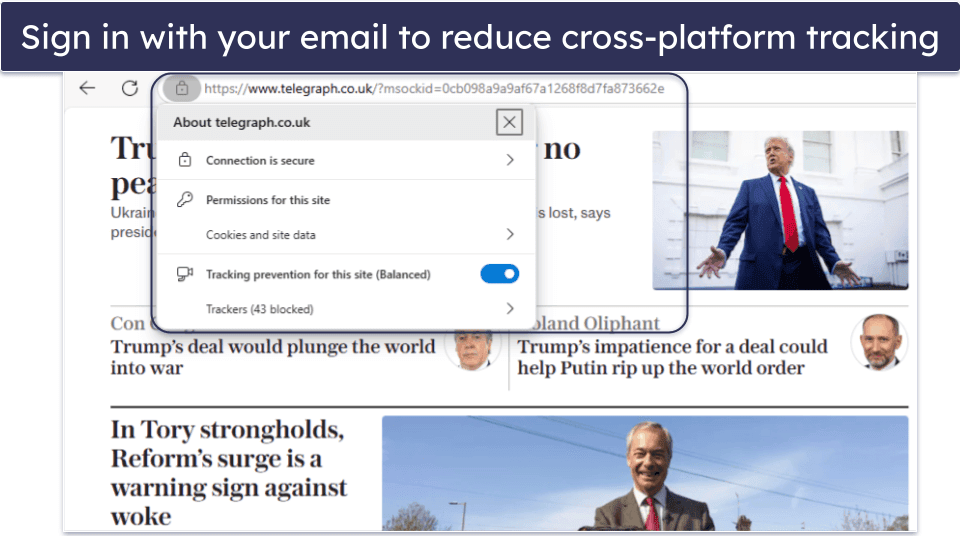
Refrain from using Facebook or Google to log into apps and websites. This way, you won’t allow those platforms to track your activity across multiple services. Creating separate logins with a strong password manager gives you more control and reduces cross-platform tracking.
1Password is a reliable password manager that can help you create and store strong, unique passwords.
For extra privacy, tools like Surfshark’s Alternative ID let you generate a fake name and email for sign-ups, keeping your real identity hidden.

6. Reduce Oversharing
Think twice before posting personal details like your location, job updates, or opinions online. Even something as simple as a birthday photo or a tagged vacation spot can reveal more than you think to strangers, data scrapers, or automated bots.
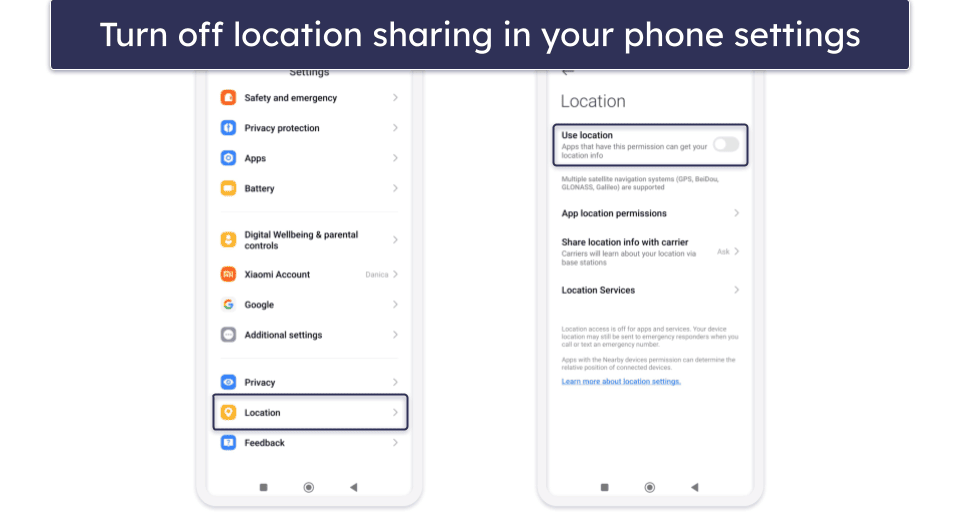
It also helps to turn off location sharing on your devices and apps — this prevents automatic geo-tagging and limits how much others know about your movements.
7. Delete Old Accounts
Accounts you no longer use can still store personal data. They become easy targets for hackers, especially if they use outdated or weak passwords. The older the account, the less likely it is to meet today’s security standards. Unused accounts also increase your exposure to spam or data leaks.
You can search your email for account sign-ups and newsletter subscriptions you no longer read. Once you identify these accounts, visit the platform’s settings or help pages to delete them, or use tools like JustDeleteMe to find direct links to account deletion pages.

8. Disable Ad Personalization and Tracking
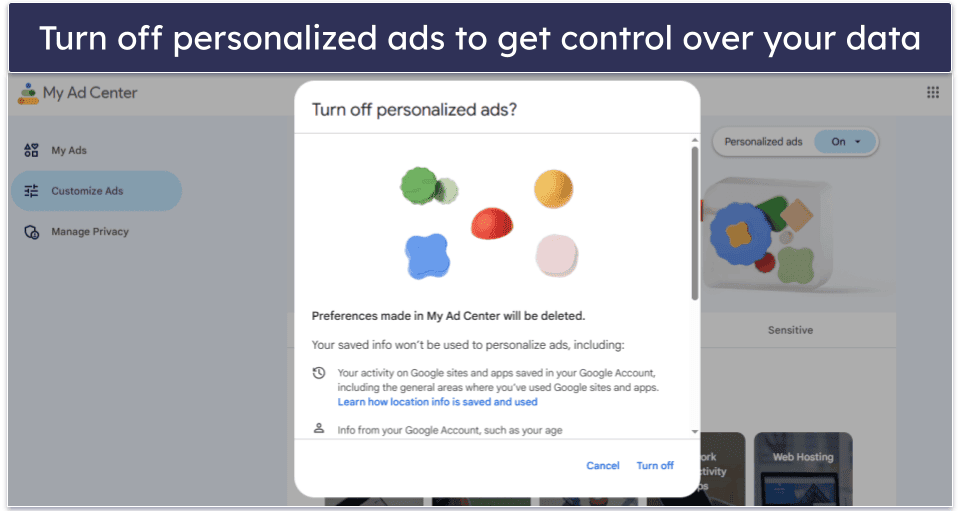
Turn off ad personalization in your Google, Facebook, and device settings. This way, you’ll limit profiling, reduce targeted ads, and get more control over your personal data.
There are various ways to do this, depending on the device you’re using or the platform on which you’d like to disable ad personalization.
- On Android, go to Settings, then access Privacy > Ads, and then click on Delete advertising ID.
- On iOS, go to Settings > Privacy & Security > Apple Advertising, then toggle Personalized Ads on or off.
- On Google, sign in to your Google account and go to Data & Privacy > Personalized ads > My ad center. Then, turn off Personalized ads.
You can also turn off ad personalization on social media platforms by going into your account settings and adjusting the ad preferences or privacy controls. Most major networks like Facebook, Instagram, X (Twitter), and LinkedIn offer options to limit how your data is used for targeted ads.
Moreover, use privacy-focused browsers or extensions like uBlock Origin or DuckDuckGo Privacy Essentials that automatically block third-party trackers and cookies. Blocking cookies prevents websites from storing information about your browsing habits, making it harder for advertisers to follow you across the web and build a profile.
9. Stick to HTTPS-Only Websites
Always check the URL before entering sensitive information. A secure website will start with https:// — the “s” means the connection is encrypted. Look for a padlock icon in the address bar as a sign that the site has a valid security certificate. Never enter payment or personal details on sites that only use http:// or seem suspicious.
10. Don’t Share Sensitive Info on Public Wi-Fi
Editor's Note: ExpressVPN and this site are in the same ownership group.
Editor's Note: Intego ONE, Private Internet Access, CyberGhost and ExpressVPN are owned by Kape Technologies, our parent company.
Frequently Asked Questions
What is a digital footprint?
A digital footprint is the trail of data you leave behind whenever you go online. This includes everything from your social media activity and search history to cookies, app usage, and even background data collected by websites or services.
There are 2 main types of digital footprints: active and passive. Active footprints are created by intentional actions, such as posting on social media or filling out forms. Passive footprints are generated without your direct involvement, like website trackers, cookies, and data collected while browsing.
How do I delete my digital footprint?
Unfortunately, you can’t delete your entire digital footprint. However, you can erase some aspects of your online presence by removing old accounts, asking websites or data brokers to delete your information, and clearing personal content from social media.
It’s also smart to tighten privacy settings, block trackers, and use tools like VPNs to limit future exposure. A good VPN can mask your IP address, encrypt your internet traffic, and prevent tracking from websites, advertisers, and third parties, making it harder for your data to be collected and linked back to you.
Who can see my digital footprint?
Anyone from advertisers and employers to hackers and government agencies can access parts of your digital footprint. Some of it is publicly available through search engines or social media, while other parts are collected through cookies, trackers, and online forms, often without you realizing it.
Is a digital footprint a big deal?
Yes, it is, because it can affect your privacy, reputation, and even your job prospects. A large or careless digital footprint makes you an easier target for scams, identity theft, or unwanted profiling. Employers may also use it to evaluate you, while governments and organizations may track it for security purposes.
That’s why managing your digital footprint can help protect your personal information and keep you in control of your online presence.